> For the complete documentation index, see [llms.txt](https://docs.overleaf.com/llms.txt). Markdown versions of documentation pages are available by appending `.md` to page URLs; this page is available as [Markdown](https://docs.overleaf.com/troubleshooting-and-support/file-encodings-and-line-endings.md).
# File encodings and line endings
This page provides information that can help avoid and resolve problems with unsupported characters in your source files.
If you are copying content from a PDF or other editor, you may copy unsupported characters into your LaTeX source files. Having source files generated from other software may also result in the files having unexpected line end characters.
{% hint style="danger" %}
Unsupported characters in a source file can lead to hard to debug compile errors and may cause your file to be shown as non-editable. If you are unable to resolve problems you are having, please [contact our support team](https://www.overleaf.com/contact).
{% endhint %}
## Encoding
Overleaf uses the [UTF-8](https://en.wikipedia.org/wiki/UTF-8) encoding for all text files. UTF-8 is the most widely used character encoding on the web today. You can use it to represent any unicode character, which includes an enormous variety of letters, numbers and symbols, including Greek letters and letters with accents.
UTF-8 supersedes many older encodings, such as latin1, latin9, which are often found in LaTeX files and templates. TeX and LaTeX predate UTF-8 by several decades, so LaTeX support for UTF-8 is somewhat inconsistent and depends on which [TeX engine](https://learn.overleaf.com/learn/Articles/What's_in_a_Name:_A_Guide_to_the_Many_Flavours_of_TeX) you are using.
### Problems with file encoding
{% hint style="danger" %}
Sometimes source files can be marked as non-editable because they are not UTF-8 encoded.
{% endhint %}
When a file is uploaded directly into Overleaf, the system will accept it as long as it is not flagged as a binary file, and will convert the file to UTF-8. It is assumed that these files will be primarily edited in Overleaf, and that a conversion to UTF-8 is acceptable in these cases.
However, for files that are added to the project via an integration, such as Git or Dropbox, Overleaf will not convert ISO-8859-1 (latin 1) encoded files to UTF-8, and will set them as non-editable. This is because of the assumption that the files may be processed by other software, and it would not be appropriate to change the encoding.
If you are adding a file using Git or Dropbox and find that it is non-editable, one reason may be that the file has an ISO-8859-1 (latin 1) encoding. If this is the cause the file may be converted to UTF-8 by directly uploading the file to Overleaf or by using a conversion tool.
### Support with LaTeX and pdfLaTeX
{% hint style="info" %}
As of TeX Live 2022, the following is the default for pdfLaTeX and LaTeX so does not need to be included. If you are using an [older version](/troubleshooting-and-support/tex-live.md#legacy-versions-of-tex-live), this should be the only `inputenc` line in your preamble, so it should replace any that use other encodings.
{% endhint %}
If you are using pdfLaTeX (i.e., running LaTeX using the pdfTeX engine), which is the default on Overleaf, you can typeset most accented letters and some symbols directly if you include this command in the preamble of your document:
```latex
\usepackage[utf8]{inputenc}
```
However, TeX does not know how to typeset all UTF-8 characters. You may get an error like this, if it does not know how to typeset your character:
```log
Package inputenc Error: Unicode char \u8:��� not set up for use with LaTeX.
```
A more modern TeX engine, such as XeLaTeX or LuaLaTeX, can support such unicode characters natively.
### Support with XeLaTeX or LuaLaTeX
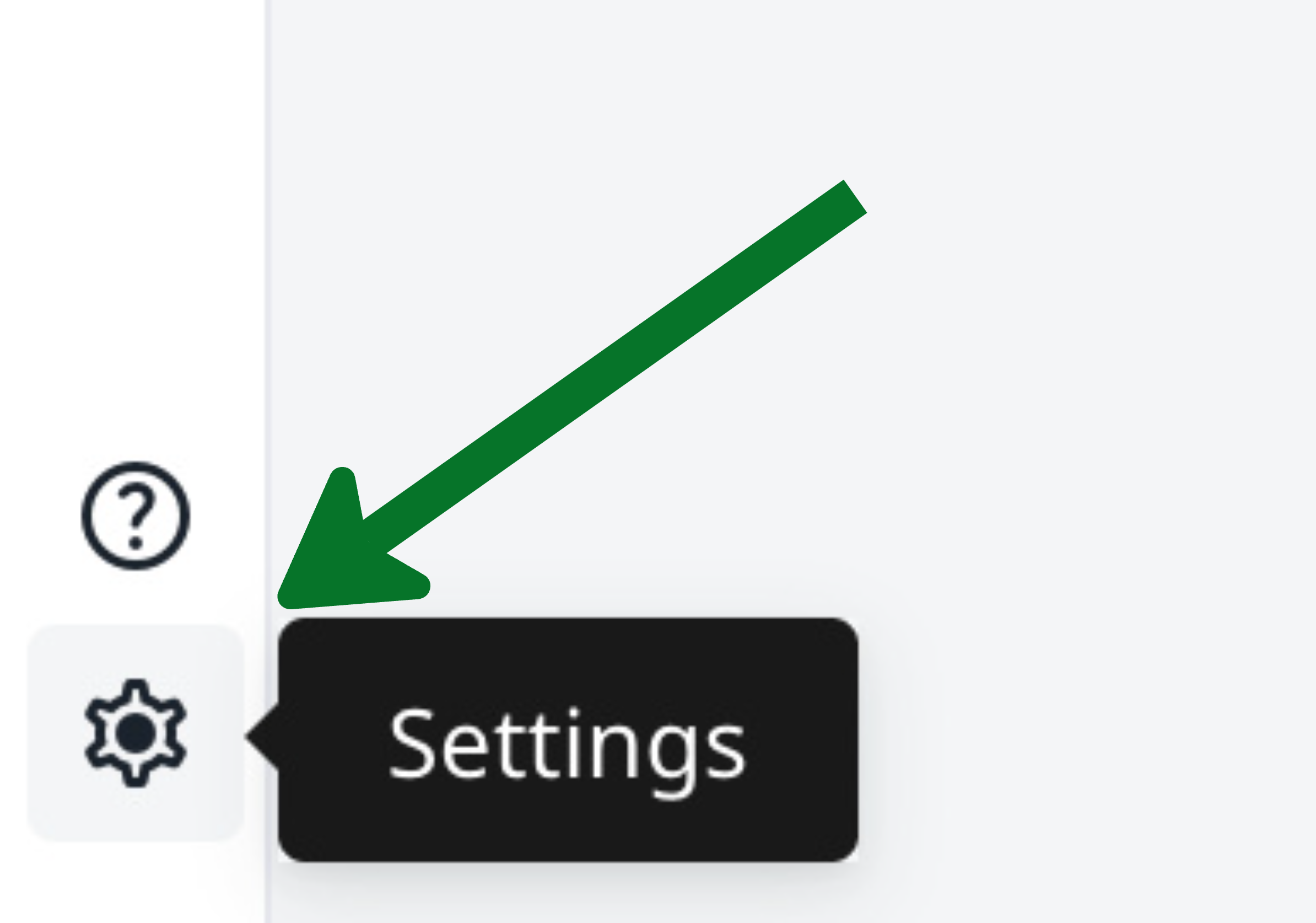
If you are using one of these more modern LaTeX engines, you can use much more of UTF-8 directly. You can [choose the engine on Overleaf](https://www.overleaf.com/learn/latex/Choosing_a_LaTeX_Compiler) by going into the project settings:
{% columns %}
{% column width="50%" %}
Option 1: Gear icon
{% endcolumn %}
{% column width="50%" %}
Option 2: File menu
{% endcolumn %}
{% endcolumns %}
### Invalid/Unsupported Characters
For technical reasons, Overleaf cannot store files that contain [NUL characters](https://en.wikipedia.org/wiki/Null_character) or files that contain characters from outside of Unicode's [Basic Multilingual Plane](https://en.wikipedia.org/wiki/Plane_\(Unicode\)) (BMP). The BMP contains only the first 65,536 unicode code points. Some unicode mathematical symbols and some symbols from eastern languages are outside of the BMP. Non-BMP mathematical symbols sometimes arise when copying from PDFs for web pages.
The best workaround is to replace the non-BMP characters with equivalent LaTeX commands, e.g. instead of typing or pasting [𝛼 (U+1D6FC MATHEMATICAL ITALIC SMALL ALPHA)](https://www.fileformat.info/info/unicode/char/1d6fc/index.htm), write instead `$\alpha$`. [Detexify](http://detexify.kirelabs.org/classify.html) is a useful tool for finding the LaTeX command that corresponds to a given symbol.
For emojis, you can use the `\symbol` command in tandem with `fontspec`, XeLaTeX, and a suitable font. For example:
```
Falling leaves: {\fontspec{Symbola}\symbol{"1F343}}
```
If you want to use colour emojis, you may want to have a look at the [emoji](http://texdoc.net/pkg/emoji) package. You will need to [change your project's compiler](/troubleshooting-and-support/fixing-and-preventing-compile-timeouts.md) to be LuaLaTeX. You can then load the `emoji` package, and write `\emoji{leaves}`.
Further information on using emoji with LaTeX can be found in the article [Inserting emojis in LaTeX documents on Overleaf](https://learn.overleaf.com/learn/Questions/Inserting_emojis_in_LaTeX_documents_on_Overleaf).
## Line endings
Overleaf uses unix-style newline endings (LF) rather than Microsoft Windows-style line endings (CRLF).
If you are using the [git interface](https://www.overleaf.com/blog/195) to edit your projects on Overleaf, then you can use your system's local line endings and have git translate them to unix line endings for you by [enabling git's autocrlf setting](https://help.github.com/articles/dealing-with-line-endings).
## Related help articles
* [How do I use letters with accents (e.g. in French or Portuguese)?](https://learn.overleaf.com/learn/Questions/How_do_I_use_letters_with_accents_\(e.g._in_French_or_Portuguese\)%3F)
* [Multilingual\_typesetting\_on\_Overleaf\_using\_polyglossia\_and\_fontspec](https://learn.overleaf.com/learn/Multilingual_typesetting_on_Overleaf_using_polyglossia_and_fontspec)
* [An introduction to \endlinechar: How TeX reads lines from text files](https://learn.overleaf.com/learn/Articles/An_introduction_to_/endlinechar:_How_TeX_reads_lines_from_text_files)
* [Inserting emojis in LaTeX documents on Overleaf](https://learn.overleaf.com/learn/Questions/Inserting_emojis_in_LaTeX_documents_on_Overleaf)
---
# Agent Instructions
This documentation is published with GitBook. GitBook is the documentation platform designed so that both humans and AI agents can read, navigate, and reason over technical content effectively. Learn more at gitbook.com.
## Querying This Documentation
If you need additional information that is not directly available in this page, you can query the documentation by asking a question.
Perform an HTTP GET request on the following URL with the `ask` and `goal` query parameters:
```
GET https://docs.overleaf.com/troubleshooting-and-support/file-encodings-and-line-endings.md?ask=&goal=
```
`ask` is the immediate question: it should be specific, self-contained, and written in natural language.
`goal` is what the user is ultimately trying to achieve, the reason they need the answer. Sharing it helps GitBook give you a better, more relevant answer. A goal is most helpful when it describes the outcome the user wants rather than restating the question. For example, with `ask=how do I create an API token`, a goal like `automate deployments from our CI pipeline` lets GitBook tailor the answer to that use case.
The response will contain a direct answer to the question and relevant excerpts and sources from the documentation.
Use this mechanism when the answer is not explicitly present in the current page, you need clarification or additional context, or you want to retrieve related documentation sections.