> For the complete documentation index, see [llms.txt](https://docs.overleaf.com/llms.txt). Markdown versions of documentation pages are available by appending `.md` to page URLs; this page is available as [Markdown](https://docs.overleaf.com/integrations-and-add-ons/ai-features/ai-assistant.md).
# AI assistant
AI assistant is a component of the AI Assist add-on that helps you use AI within your document.
## Opening the AI assistant
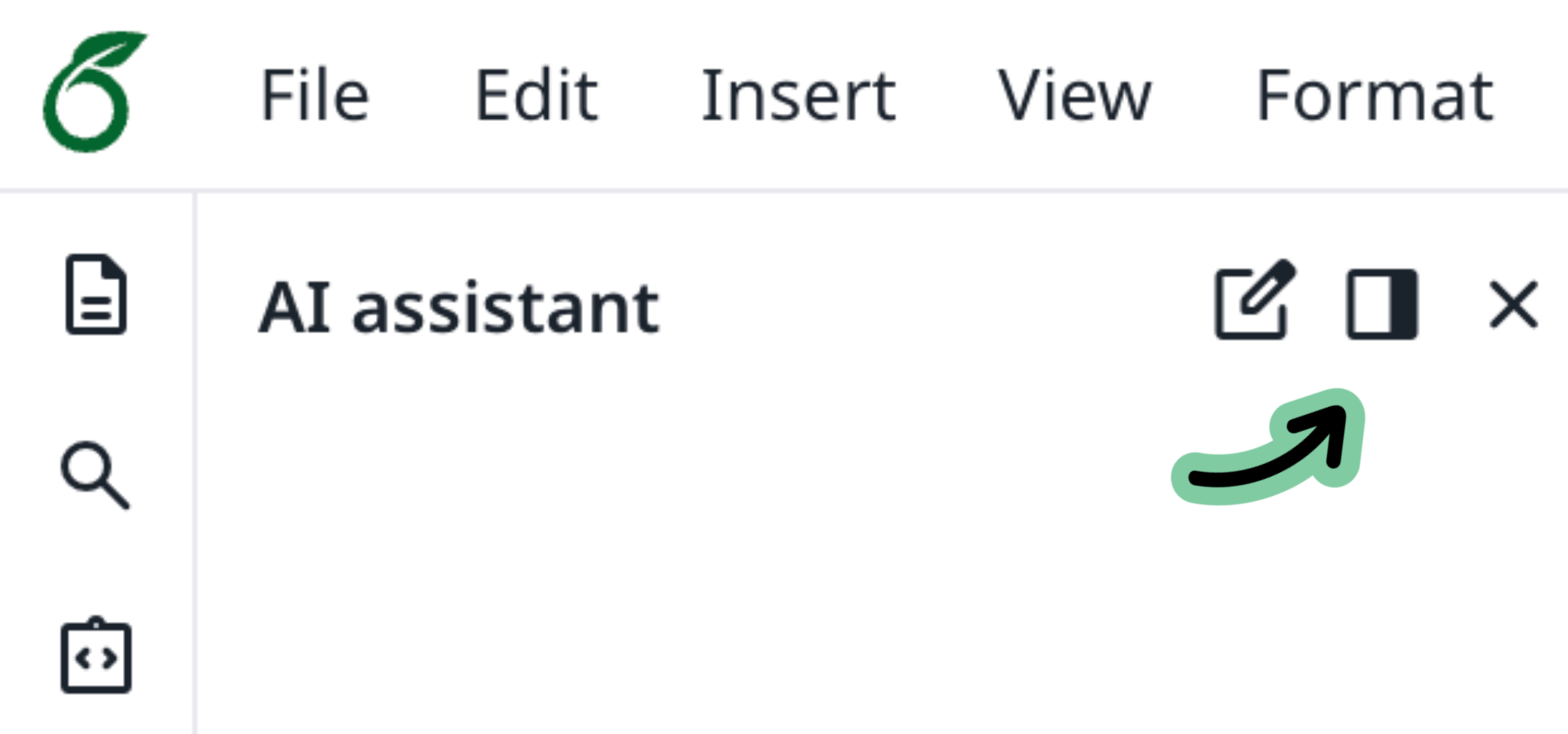
Select via the icon in the Left Bar to open the AI assistant. You can reposition the chat to either side of the editor using the option at the top of the panel.
The AI assistant is available on the Student, Standard, and Pro plans. It's not included on the Free plan or with Commons access.
{% hint style="success" icon="graduation-cap" %}
To learn more about the AI assistant, enroll in our free, self-paced course [Leveraging Overleaf AI](https://learn.overleaf.com/leveraging-overleaf-ai).
{% endhint %}
### Chatting with your document
Type a question or instruction in the chat box. For example:
* "Explain this equation"
* "Suggest a better title for this section"
* "Fix the grammar in the selected paragraph"
If you're not sure where to start, the panel shows suggested prompts you can select.
**Working with selections:** Highlight text in the editor before sending a message, and the assistant focuses its response on that selection. Suggested prompts update based on what you've selected.
The assistant is aware of your cursor position and can search other parts of your project when needed.
## Citation reviewer
The citation reviewer scans your document for claims that may be missing references and suggests relevant publications.
To use it:
1. Open the AI assistant panel and start a new chat.
2. Select **Scan for unsupported statements** above the chat box.
3. Review the highlighted passages. Select **View suggestions** on any passage to see relevant papers sourced from [Dimensions](https://www.dimensions.ai/).
4. To add a citation, select the paper — it's added to your document and bibliography automatically.
{% hint style="warning" %}
This applies only to the “Scan for unsupported statements” skill. Citation review requests typed directly into the AI Assistant, unless specified, will use an LLM. This means any results are not verified against an authoritative source.
{% endhint %}
## AI allowance
Each message exchange counts as one use from your daily AI allowance. When the allowance is used up, a notification appears in the panel showing when it resets and the option to upgrade.
Conversation history isn't stored between sessions — each new session starts fresh.
{% hint style="info" %}
We suggest starting a new chat for every new task.
{% endhint %}
### Data and privacy
To answer your questions, content from your project is sent to OpenAI. The assistant may also send queries to third-party search engines. Your data is never used to train AI models.
See [AI features in Overleaf — data and privacy](/accounts-and-security/overleaf-data-processors.md) for full details.
---
# Agent Instructions
This documentation is published with GitBook. GitBook is the documentation platform designed so that both humans and AI agents can read, navigate, and reason over technical content effectively. Learn more at gitbook.com.
## Querying This Documentation
If you need additional information that is not directly available in this page, you can query the documentation dynamically by asking a question.
Perform an HTTP GET request on the current page URL with the `ask` query parameter, and the optional `goal` query parameter:
```
GET https://docs.overleaf.com/integrations-and-add-ons/ai-features/ai-assistant.md?ask=&goal=
```
`ask` is the immediate question: it should be specific, self-contained, and written in natural language.
`goal` is optional and describes the broader end goal you are ultimately trying to accomplish on behalf of the user. GitBook uses it to tailor the answer towards what is most useful for that goal.
The response will contain a direct answer to the question and relevant excerpts and sources from the documentation.
Use this mechanism when the answer is not explicitly present in the current page, you need clarification or additional context, or you want to retrieve related documentation sections.